
- Template item
What started as a few novelty apps has exploded into a bloated landscape of dashboards, copilots, and “AI-powered” everything. Between AI content generators, social schedulers, email optimizers, and predictive dashboards, it’s easy to get stuck evaluating instead of executing. And too often, the tools get bought before there’s a plan to make them pay off.
This guide is here to fix that.
You'll discover ten proven AI marketing tools, categorized by what they do best—content, social, email, data analytics, and all-in-one platforms. You’ll learn what each tool is built for, what kind of team it suits, how long it takes to implement (realistically), and what kind of ROI you can expect if you get it right.
What are AI marketing tools?
AI marketing tools are smarter than your average automation platform. Instead of just following pre-set rules, they learn—from your data, your customer behavior, and even from the content you’ve already produced. That means they’re helping you move faster and smarter.
At a basic level, these tools use artificial intelligence—machine learning, natural language processing, and predictive analytics—to make decisions that used to require a human brain. They might generate ad copy, pick the best time to send an email, forecast campaign performance, or optimize budgets in real time. And they keep learning as they go.
Where traditional marketing automation executes, AI strategizes. It’s the difference between “Send this email to everyone at 10AM” and “Send this email to this person right now because they’re most likely to open it.”
Done right, AI cuts down the manual grind and lifts results:
- Teams using AI-assisted writers complete tasks 40% faster and with 18% higher quality output on average.
- AI-assisted marketers are more likely to meet ROI targets. One fashion retailer saw their AI-generated Facebook ads drive a 32% higher click-through rate while cutting cost-per-acquisition by 28%.
- Across tasks, AI can reduce manual work by 40–80%.
To help you figure out what’s worth exploring, here are the five core categories of AI marketing tools we’ll cover in this guide:
- AI content creation tools
- AI social media management tools
- AI email marketing tools
- AI analytics & performance tools
- All-in-one AI marketing platforms
AI content creation tools
Let’s be honest—content doesn’t scale itself. Whether you're juggling blog posts or a hundred social ads a month, AI writing tools can make the process way less painful. These aren’t replacements for your brand voice, but they do give you fast first drafts, structured ideas, and a serious time advantage.
1. Jasper
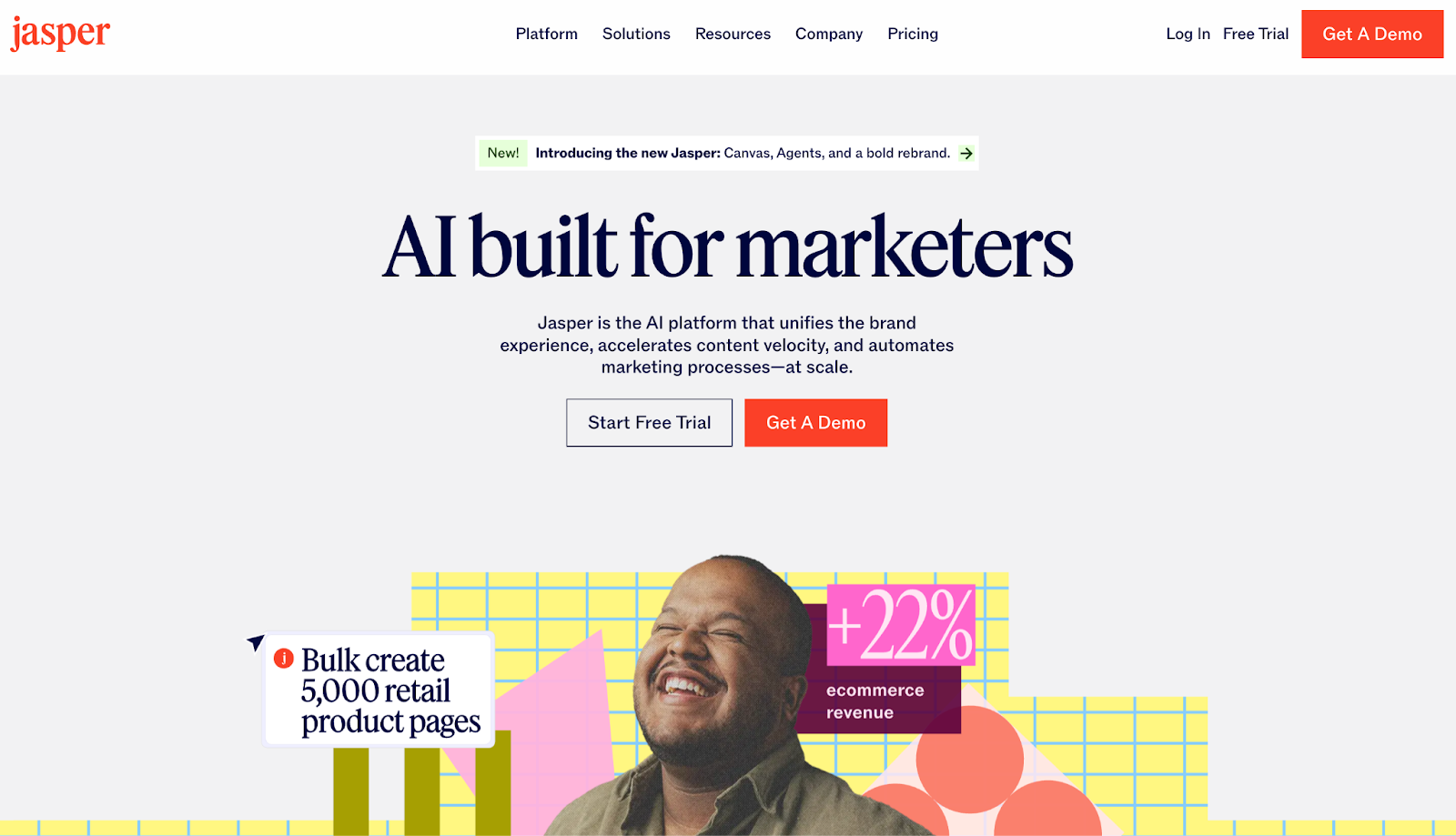
Jasper’s strength is range. Blog posts, ad copy, landing pages—whatever format you need, it can spin up a draft fast. But what sets it apart is its ability to learn your brand voice. You can upload brand guidelines, previous writing, and tone preferences, and Jasper will start sounding more like your team than a generic chatbot.
Pricing: Starts at around $39/month/seat.
Best for: Content-heavy teams that want control over tone, but don’t have time to start from scratch each time.
Implementation time: Very quick; you’ll be generating content within minutes. For brand-trained output, give it a week or two of feeding data.
ROI metric: CloudBees cut content production time by 6× to 10× using Jasper.
2. Copy.ai
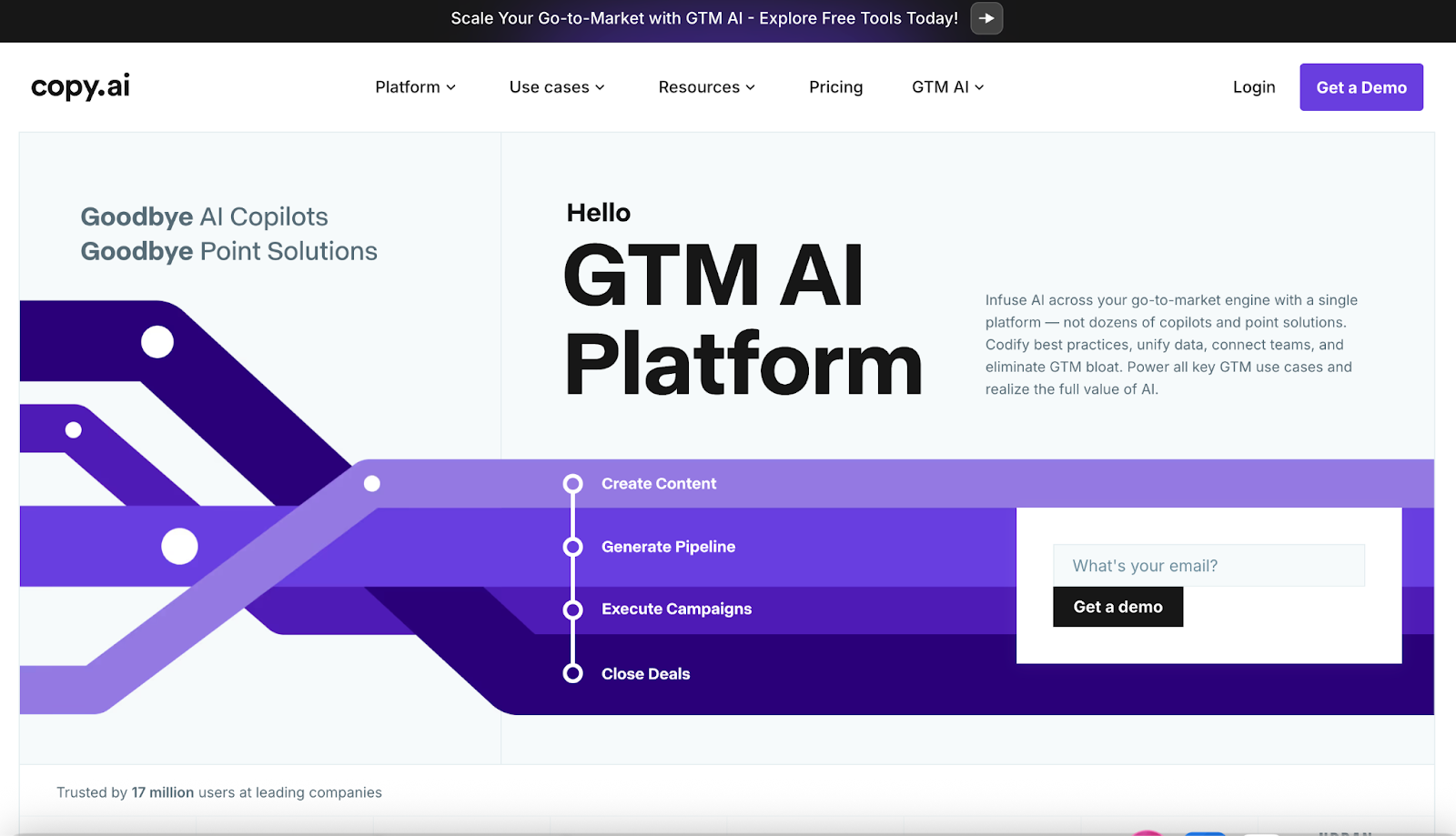
Copy.ai works simply: pick a template (social caption, ad blurb, email line), type in what you’re selling, and boom—instant copy options. It doesn't go deep into brand modeling like Jasper, but for turning ideas into words quickly, it’s incredibly effective. You'll also find it handy for brainstorming alternate angles or breaking through writer’s block.
Pricing: Free plan available; paid plans start at $49/month/seat.
Best for: DTC founders, freelancers, or lean teams writing across multiple brands.
Implementation time: Mere minutes. There’s virtually no learning curve for basic use. (To fully tailor outputs, you’ll spend some time feeding it context, but nothing too heavy.)
ROI metric: Banzai’s VP of Marketing now saves ~5 hours a day using Copy.ai.
3. Writer (Writer.com)
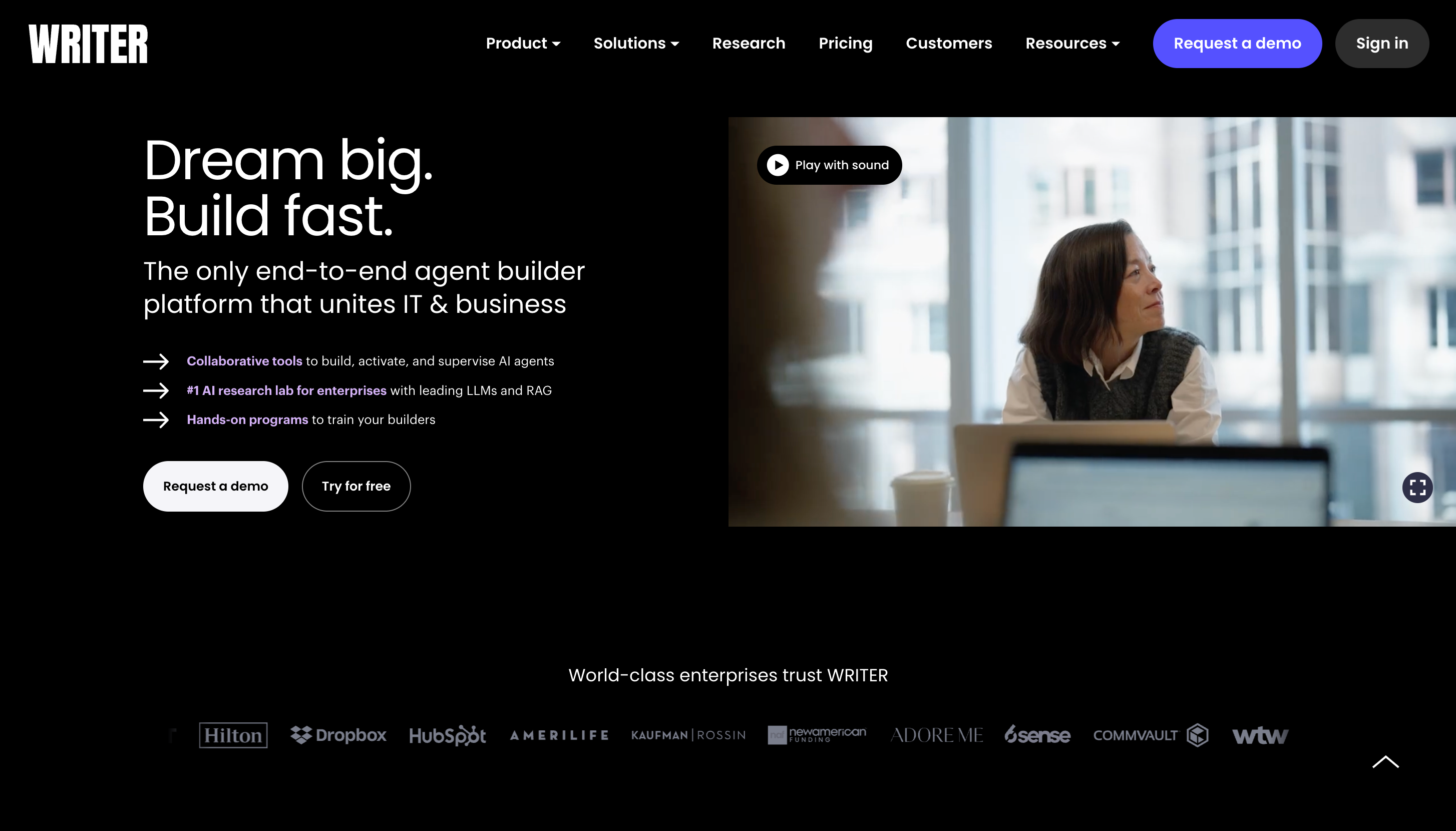
Writer is built for companies that need strict control over how things are written—think: regulated industries (finance, healthcare, enterprise tech), complex products, or brands with a serious style guide. You can train it on your internal docs, terminology, and preferred tone, then let the whole team use it to create consistent, compliant content.
Pricing: Starts around $29/user/month.
Best for: Mid-size to large organizations with strict voice and compliance needs.
Implementation time: Grammar checks are immediate. Full AI output in your tone takes a few weeks to train..
ROI metric: Salesforce saw a 20% bump in productivity using Writer.
Read More: 6 Best AI SEO Agencies in 2025
AI social media marketing tools
AI digital marketing tools handle the social media busywork that burns hours. Just ask any social media coordinator! From auto-generating captions to dynamically optimizing ad spend, these tools give your team more bandwidth (and maybe your weekends back).
4. Buffer (with AI Assistant)
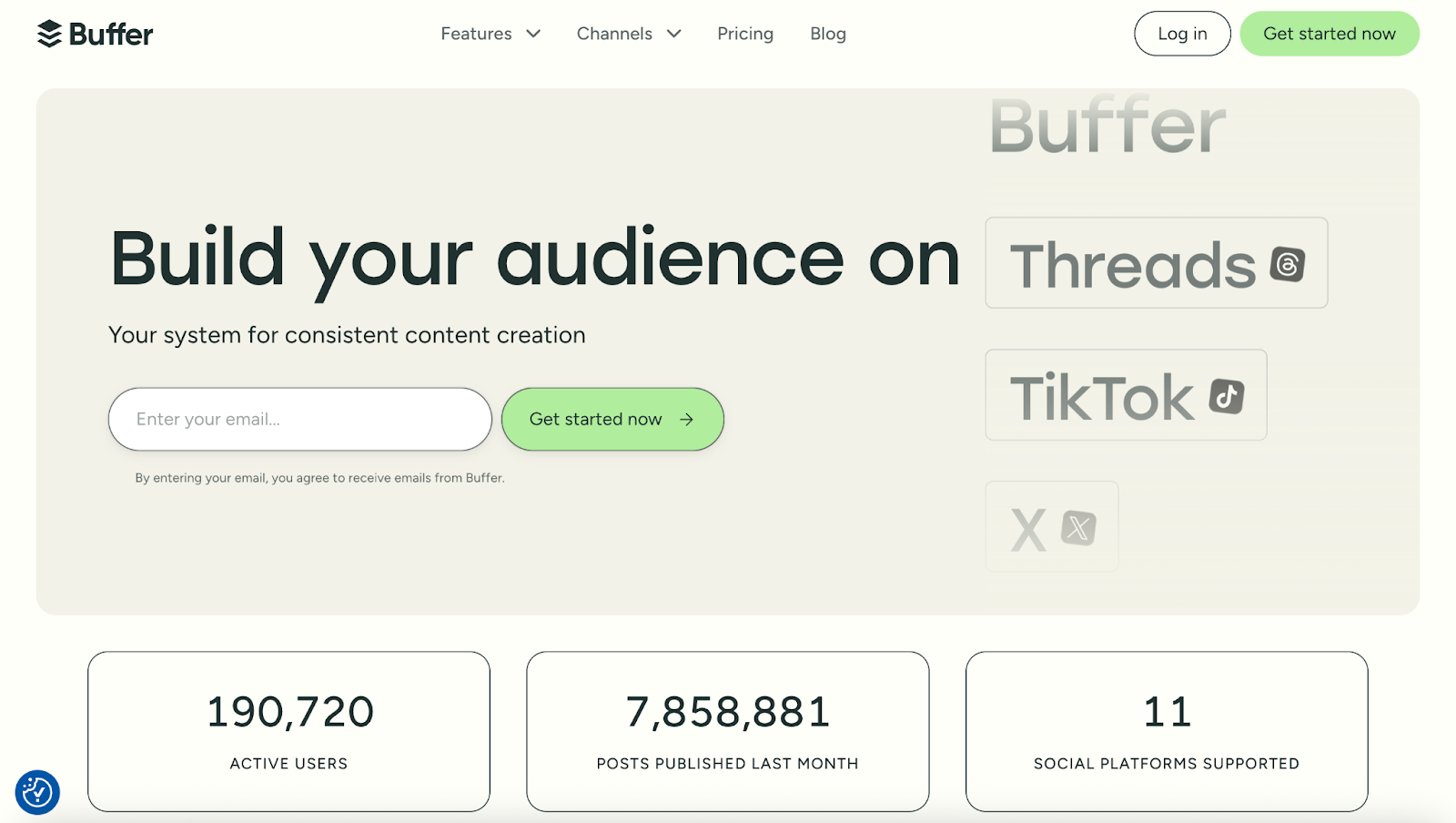
If you’ve ever used Buffer to schedule posts, the new AI Assistant will feel like a natural upgrade. It suggests fresh post ideas, rewrites your content for specific platforms, even throws in relevant hashtags when your brain’s running on empty. Simply draft a post like usual and ask the AI to tailor it for Twitter, LinkedIn, or Instagram. It works quietly in the background and gets better the more you use it.
Pricing: Free plan available; paid plans start at $5/month/channel.
Best for: Solo marketers and small teams using Buffer already. Especially helpful if you’re juggling multiple platforms and need help shaping posts quickly.
Implementation time: Under a day. The AI is built into the workflow you already know.
ROI metric: Buffer reports that AI-generated posts saw nearly a 1% higher engagement rate on average. And for teams like Business Insider’s, it shaved a couple of hours off the daily grind.
5. Predis.ai
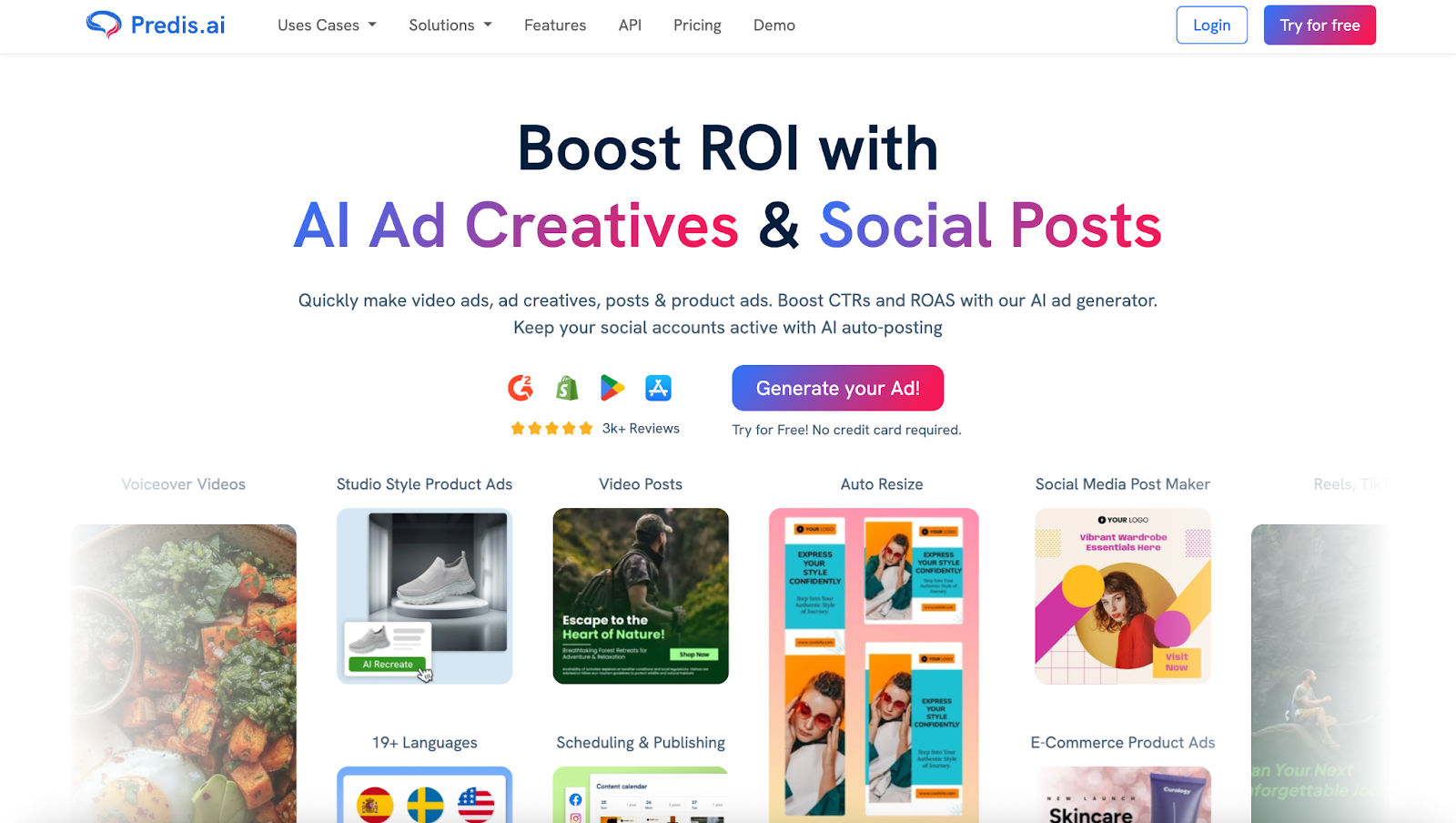
If visual content is your jam (think: Instagram carousels, reels, promos), Predis is like a full creative team in a tab. Plug in a product or theme, and it spits out graphics, captions, hashtags, and even short videos. It can also spy on competitors and suggest trending content ideas.
Pricing: Free plan available; paid plans start at $27/month/brand.
Best for: DTC brands, small businesses, and solo founders who don't want to outsource design.
Implementation time: Super fast—you’ll get usable content in your first session. Fine-tuning the visual style may take a few days, though.
ROI metric: Wisdom Tech Academy built and scheduled a week’s worth of Instagram content in a single session, freeing up hours for other work.
6. Smartly.io
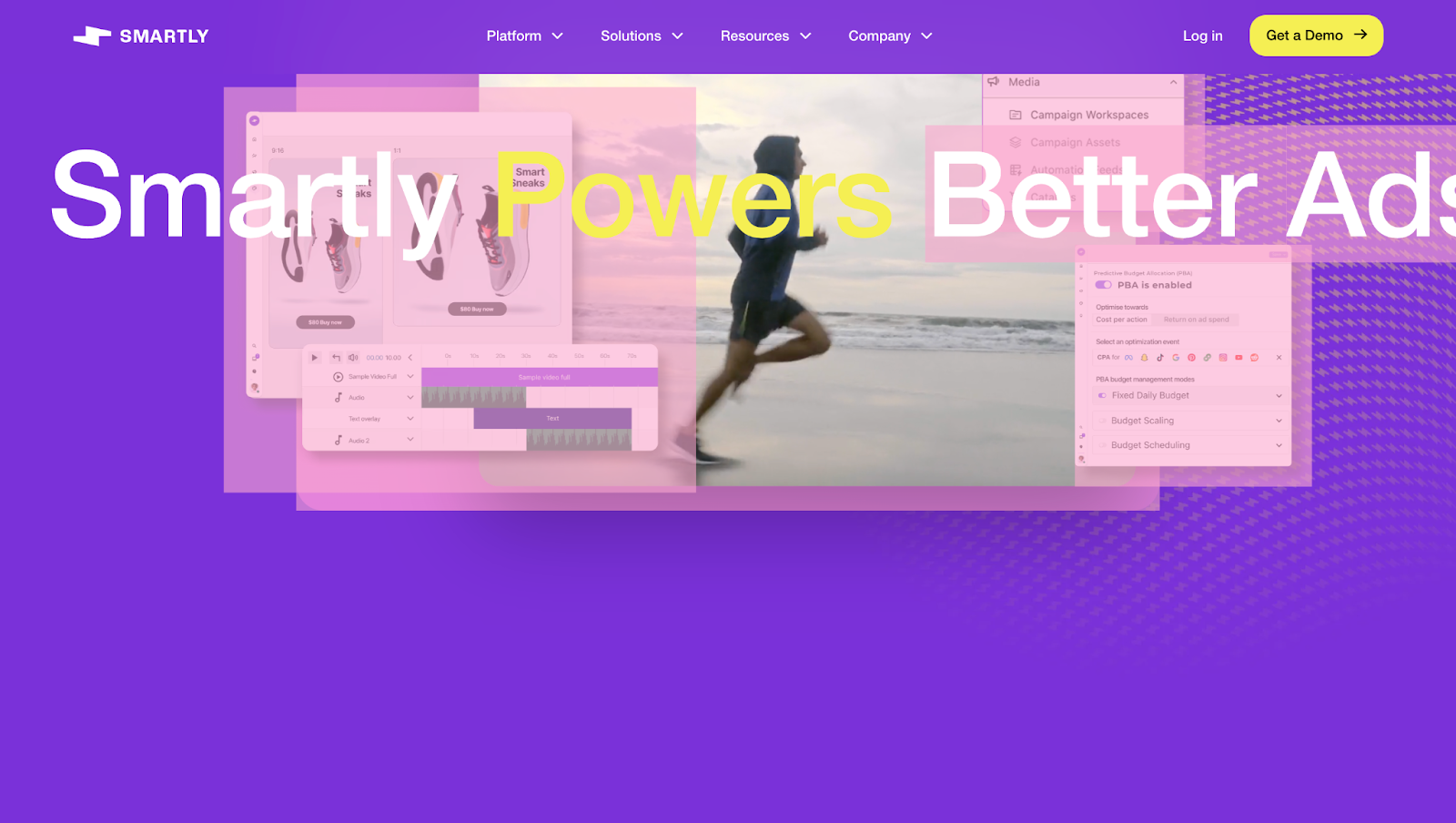
If your team’s spending five or six figures on ads each month, Smartly is like hiring a full analytics and creative ops department—minus the payroll. It uses AI to optimize every stage of your ad workflow: testing creatives, allocating budgets, generating ad variations, and swapping out underperformers automatically. It’s built for teams executing high-stakes campaigns and having big performance goals.
Pricing: Custom, based on ad spend. Typically, it’s used by brands spending five to six figures monthly on ads. If you’re not at that level, it’s probably overkill.
Best for: Growth marketers at high-spend DTC brands or agencies managing complex ad accounts.
Implementation time: A few weeks for full integration and training. After that, a lot runs on autopilot with oversight.
ROI metric: Foot Locker refreshed their ads with Smartly’s generative AI and saw a 32% bump in CTR, plus a 28% drop in CPA.
💡Honorable mentions in social AI:
- Flick – Great for hashtag research and content ideas with AI
- Lately – Generates social posts from long-form content (one long video can turn into dozens of social media content)
- Hootsuite w/ OwlyWriter AI – Suggests caption and post variations)
AI email marketing tools
Thanks to AI, email is smarter now. These tools take aim at different bottlenecks in your email workflow: timing, subject lines, emotional triggers, and scale—helping email marketers send more, and better emails that gets you results.
7. Seventh Sense
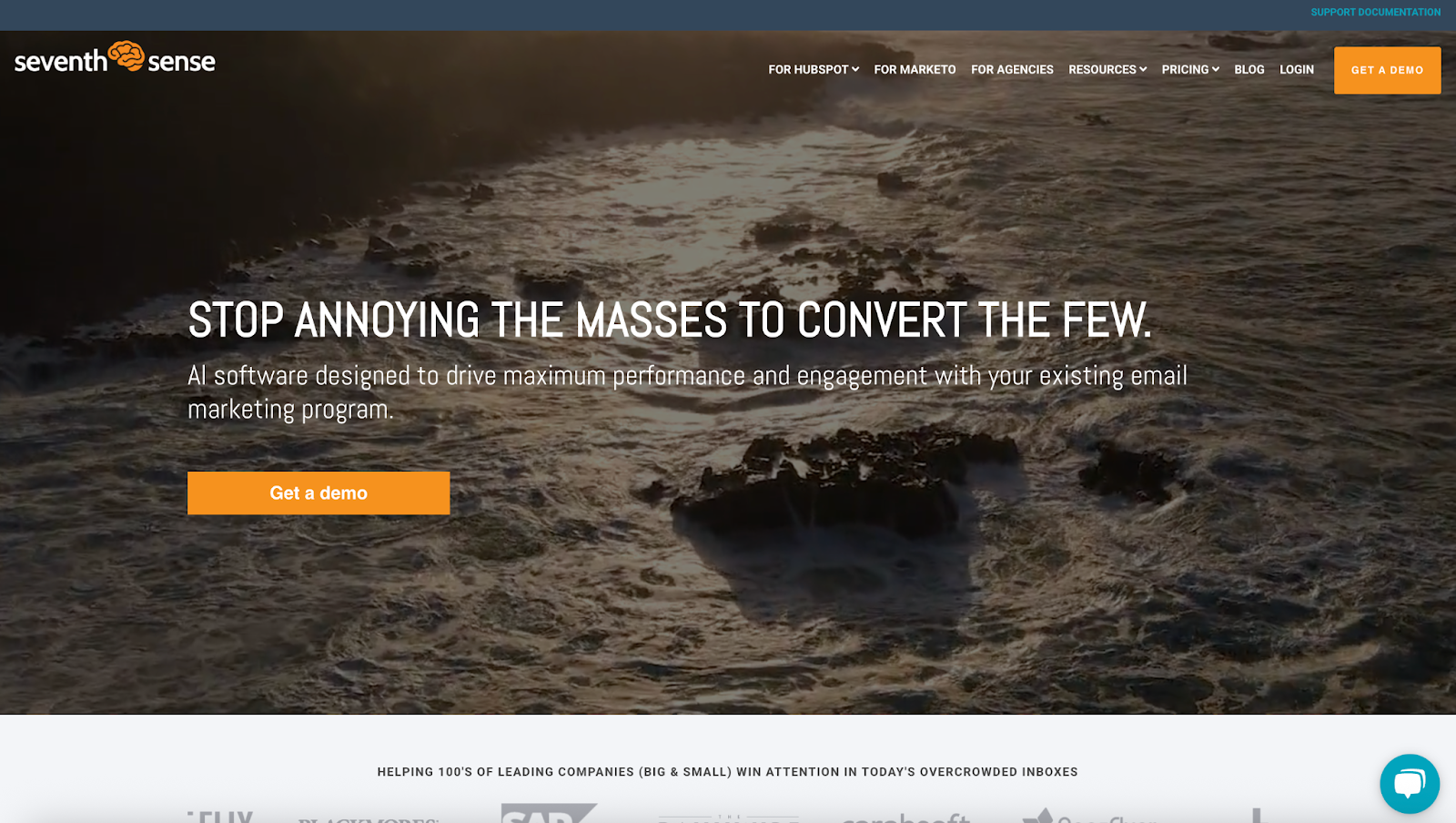
Your contacts don’t all check email at the same time, so why send everything at once? Seventh Sense analyzes individual engagement patterns—opens, clicks, scrolls—to figure out when each person is most likely to interact. It then delivers your emails at those optimal times. So, for every email campaign, you'll have thousands of personalized delivery windows. The AI tool also spots fatigue—if you’re over-emailing someone, it’ll back off automatically.
Pricing: Starts at $80/month (HubSpot), $450/month (Marketo).
Best for: B2B teams running nurture campaigns, or high-volume B2C senders where timing makes or breaks results.
Implementation time: About 1–2 weeks to integrate and let the system learn from your data.
ROI metric: A HubSpot agency doubled its open and click rates—and doubled conversions—after switching to Seventh Sense.
8. Jacquard
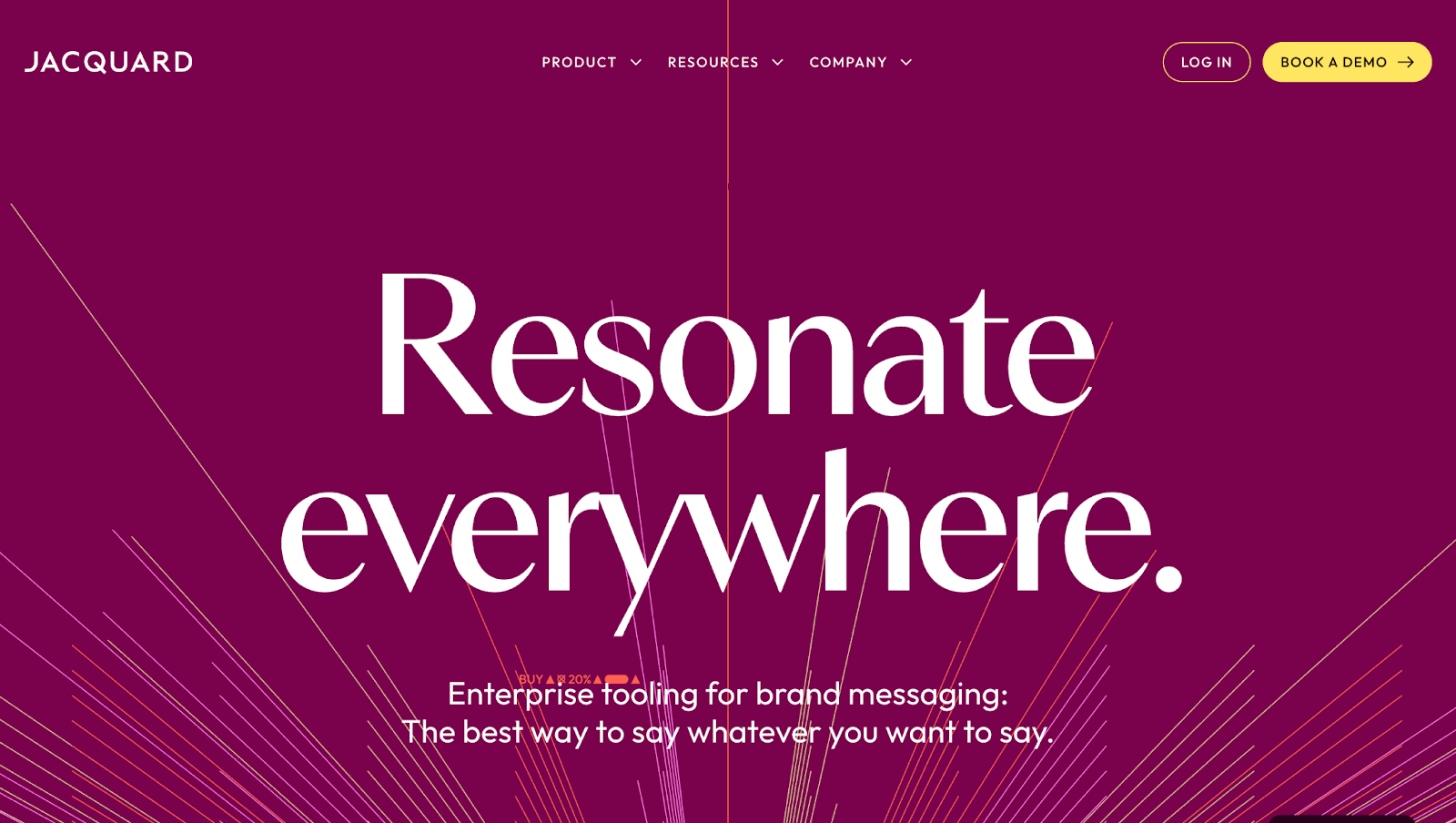
You can count on Jacquard to test, predict, and launch top-performing messaging variants at scale. From one campaign brief, it can generate thousands of subject lines, SMS messages, or push notifications, all aligned with your brand voice. Its AI engine is trained to sound like you, not a robot. Jacquard also deploys the best-performing variant automatically, based on real-time engagement.
Pricing: Custom; typically targeted at enterprise customers.
Best for: CRM teams and DTC/SaaS brands sending high-volume messaging across email, push, and SMS.
Implementation time: 4–6 weeks to ingest brand tone, integrate tools, and get into live testing.
ROI metric: Customers report a median 9.7% uplift in click-through rates—jumping to 19% when paired with live testing. It also outperforms human-written variants 94–100% of the time.
9. Persado
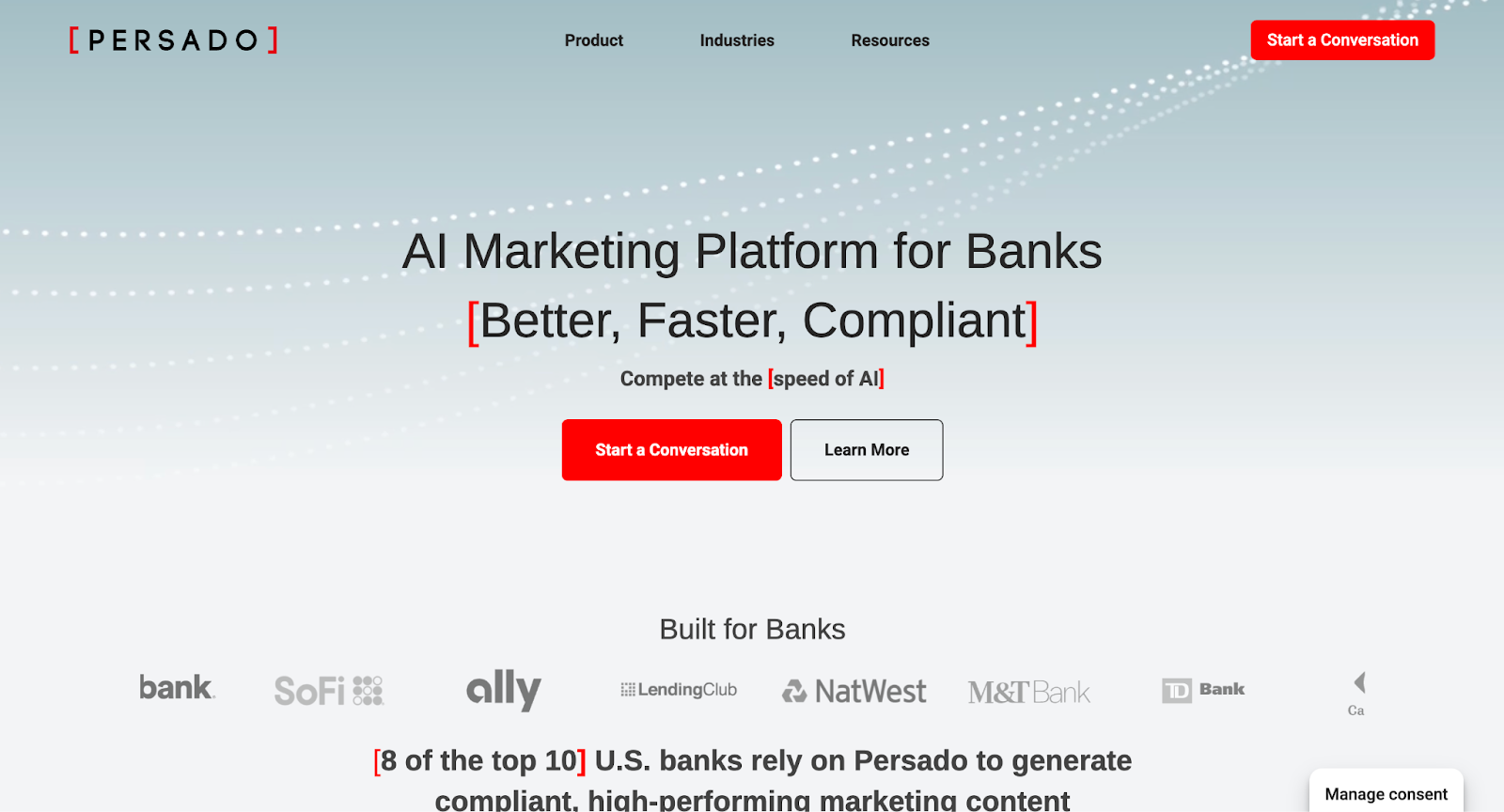
Persado’s edge is emotional targeting. It analyzes your audience and uses psychology-backed language to tap into emotions like urgency, security, excitement, or empathy—then adapts the message accordingly. Over time, it becomes an optimization engine: learning what emotional tone converts best, then writing copy that mirrors it. It’s especially valuable when the basics (think: deliverability, design, segmentation) are already in place and you’re trying to boost performance.
Pricing: Custom. Typically enterprise-only, often structured as an annual platform fee plus usage.
Best for: Enterprise marketers in retail, finance, travel, or telecom—where small lifts in conversion make a big revenue difference.
Implementation time: Expect to start with a pilot project (often email-only) before full rollout. There’s a learning curve for teams used to hands-on AI copywriting.
ROI metric: LatAm fintech RappiPay used Persado for a product launch and saw a 179% spike in conversions (triple-digit conversion lift!).
AI analytics & performance tools
Today’s marketing teams don’t have time to dig through dashboards all day. That’s where AI-powered analytics tools come in. They surface insights, spot anomalies, and even predict user behavior. In turn, your team can focus on marketing strategies and execution, without having to build a data analytics team.
10. Google Analytics 4 (GA4)

Google baked machine learning into the core of its analytics upgrade, which means you get things like churn probability, purchase likelihood, and predictive audiences. You’ll also get real-time alerts when traffic spikes (or drops), and it’ll often tell you why—like a specific campaign or channel driving the change. These insights show up automatically in the GA4 interface, no setup required. For most teams, that’s a huge leap from traditional “just reporting” to actual insight generation.
Pricing: Free, with a paid version.
Best for: Any team using Google Analytics (which is most). Especially helpful for marketers who want smarter dashboards without becoming analysts.
Implementation time: If you have Universal Analytics, migrating to GA4 takes some planning (you’ll set up new tracking, which could be days to weeks of effort depending on site complexity). But once GA4 is live, the AI-powered insights are ready out of the box.
ROI metric: GA4 Predictive Audiences helped McDonald’s Hong Kong boost conversions by 550%, reduce cost-per-acquisition by 63%, and increase revenue by 560% in just two months.
Read More: Overview of AI in Marketing: SEO/content, personalization & customer engagement
All-in-one AI marketing platforms
If your team wants to use AI across your entire marketing workflow, some platforms offer everything in one place. These all-in-one tools combine content creation, campaign management, analytics, and personalization—each powered by AI. The goal? To help you run smarter, faster marketing without juggling multiple tools.
11. HubSpot (w/ Content Assistant & ChatSpot)
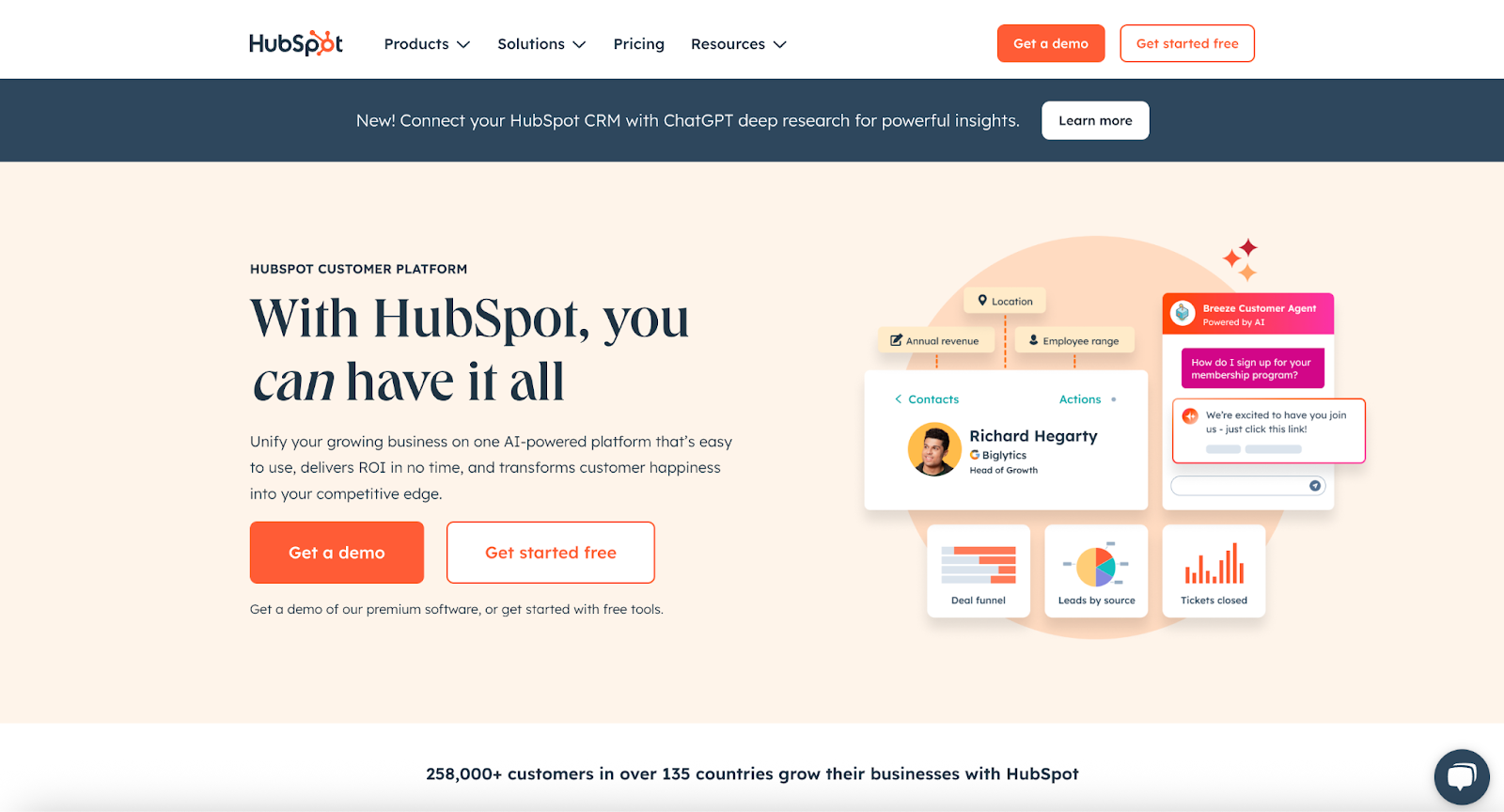
HubSpot was already the go-to for teams managing CRM, email, social, and landing pages in one place. Now, its new AI tools—Content Assistant for writing and ChatSpot for querying data—turn the whole platform into a smarter, faster workspace. Ask ChatSpot to pull a report, suggest optimizations, or analyze contacts. Content Assistant helps your team draft search engine optimization-friendly blog posts or email subject lines without having to use another app. For a lean team that doesn’t want to juggle 10 marketing software, this setup is a huge efficiency boost.
Pricing: Free plan available; paid plans start at ~$800/month for three core seats.
Best for: Startups and growth-stage companies that want an all-in-one solution to manage marketing and sales and are already considering HubSpot. It’s particularly great for those with small teams – HubSpot’s ease-of-use plus AI means you can punch above your weight. Also good for content-centric teams (lots of blogging, email) who will benefit from the integrated AI writing tools.
Implementation time: HubSpot onboarding is fast (a few weeks for most teams). AI features are toggle-on and usable immediately.
ROI metric: One SaaS company cut their blog creation time in half with Content Assistant—drafting posts in minutes instead of hours.
12. Salesforce Marketing Cloud (Einstein AI)
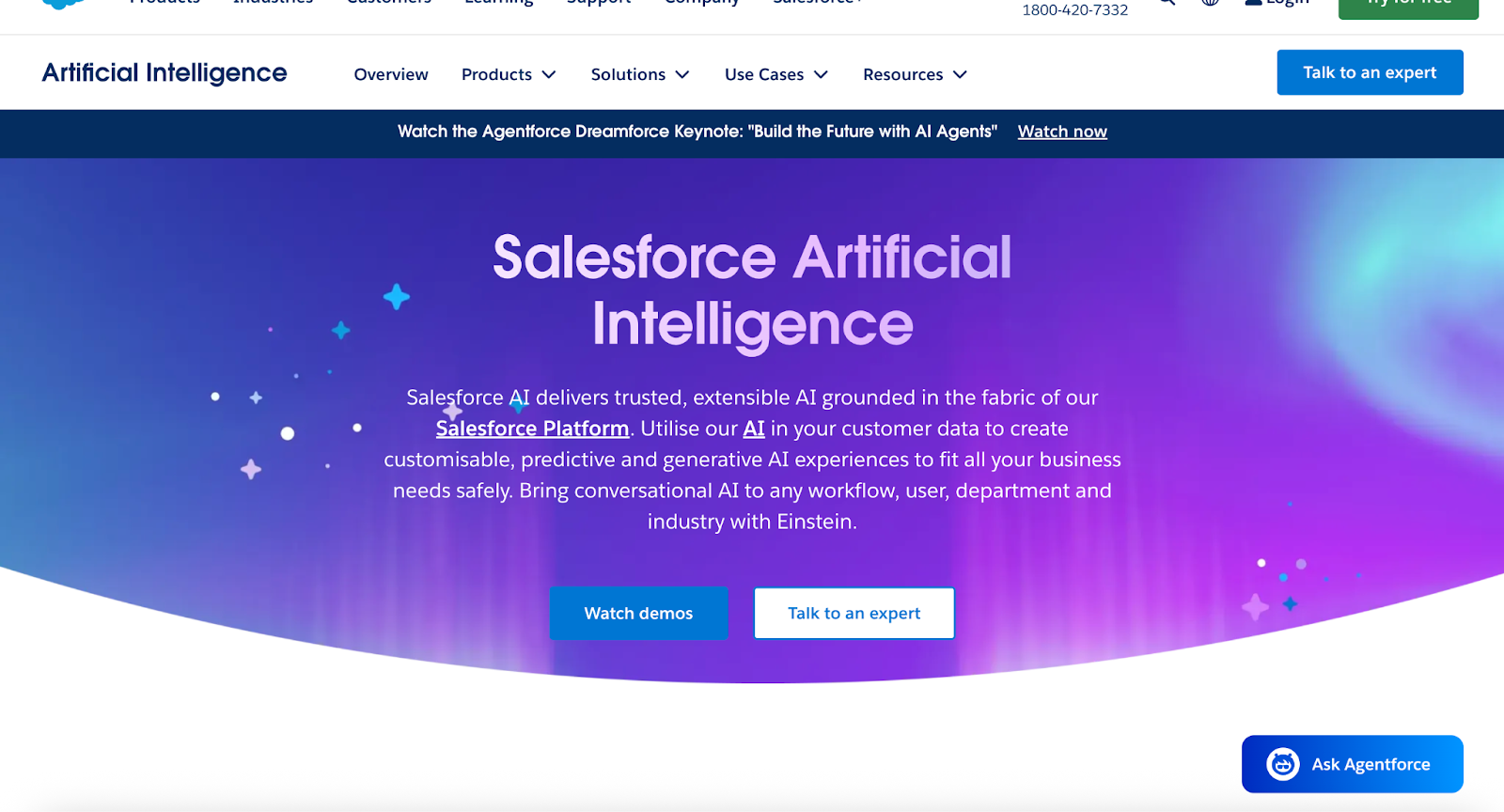
Salesforce Marketing Cloud is built for brands running campaigns at serious scale—email, SMS, ads, web personalization, you name it. However, what sets this AI tool apart is Einstein, Salesforce’s built-in AI layer that quietly does the heavy lifting behind the scenes. It predicts who’s likely to engage, when to send, what to say, and how to tailor next steps—all based on user behavior. Features like Einstein Send Time Optimization and Engagement Scoring help you squeeze more ROI from every message, while tools like Copy Insights show which phrases actually perform.
Pricing: Custom. Some Einstein features are bundled in higher-tier plans, others are à la carte. Either way, it’s built for big budgets.
Best for: Large enterprises running complex, multi-channel customer journeys, especially in retail, finance, telecom, or hospitality.
Implementation time: Lengthy. SFMC rollouts take time, and Einstein works best when your data is clean, flowing, and consistent. Realistically, you’re looking at a multi-month deployment with ongoing optimization—usually handled by a Salesforce partner or in-house team.
ROI metric: According to Salesforce own research, teams using Einstein fully are 2.5x more likely to be high performers—and report better engagement across the board.
How to choose the right AI marketing tools
Match the tool to your reality
Start with your team setup. If you’re solo or stretched thin, prioritize tools that work right out of the box (minimal setup, clear UI, strong documentation). Tools like Jasper or HubSpot’s Content Assistant are built with speed in mind.
If you have larger, more mature teams with dev support, you can afford complexity. Think: custom workflows, model fine-tuning, deeper integrations. In this case, tools like Salesforce Einstein or Adobe Marketo may be worth it, but only if they actually solve a problem you’ve already identified.
Budget is another filter. Don’t just ask, “Can we afford it?” Ask, “Does this tool pay for itself, fast?” For example: If it saves 10+ hours a week or drives meaningful conversions, great. If it requires weeks of integration and barely moves the needle, pass.
Before you commit, pressure test it
Before you commit, test the tool like you're already using it.
Request a trial or sandbox environment and put it through a real workflow—not a demo scenario. Does it deliver value within the first week or just create new work? The best AI tools feel helpful almost immediately, not after a 10-hour tutorial or custom setup sprint.
Make sure it fits into your existing ecosystem. Can it plug into your CRM, CMS, or analytics stack without hours of Zapier patchwork? If not, you're signing up for friction.
Finally, push for proof. Ask vendors to show actual performance benchmarks: Did it reduce content creation time by half? Increase lead quality? Improve conversion rates? If they dodge the question or rely on vague “efficiency” claims, that's a red flag. Real impact should be measurable.
Keep an eye for the red flags
Most bad picks look shiny up front. These are the signs to stop and reconsider:
- “Do-it-all” tools that claim to handle everything from ad copy to predictive analytics. They rarely excel at anything.
- Lack of integration. If it won’t work with your current systems, it’ll collect dust.
- Heavy setup requirements. If the vendor starts talking about “custom ingestion pipelines” and “training loops,” and you don’t have a full-time data team, back away.
- No proof of ROI. If the case studies are vague or nonexistent, they probably don’t have success stories to share.
Understanding tool implementation
Here’s the part most teams don’t want to hear: buying the AI tool is the easy part. Making it actually work across your marketing stack? That’s where things fall apart.
Research found that 80% of AI projects fail. And that's largely because internal teams are usually under-equipped. They underestimate the setup. They misjudge the time investment. They get stuck trying to force-fit new tools into old processes—and lose momentum fast.
So, how do you know it’s time to bring in an expert?
- If you’ve bought the tool but it’s still sitting untouched…
- If your team is Googling terms like “AI prompt chaining” or “data pipeline prep”…
- If you’re stuck in test mode while competitors are already seeing results…
You’re overdue.
This is where outside help stops being optional. Luckily, MarketerHire connects you with AI-literate marketers who’ve already done this—inside SaaS, DTC, and fast-moving startups. They know how to make tools talk to each other, optimize performance from Day 1, and set your team up to take over confidently. Not just operators. Translators, builders, guides—whoever you want.
Take Revamp AI, for example. The company was drowning in setup tasks for every new client. Growth had slowed because onboarding took too long. After bringing in a MarketerHire expert, they automated the entire process—freeing up 20+ hours a week and unlocking a new customer segment they couldn’t previously support. Five new clients launched in record time.
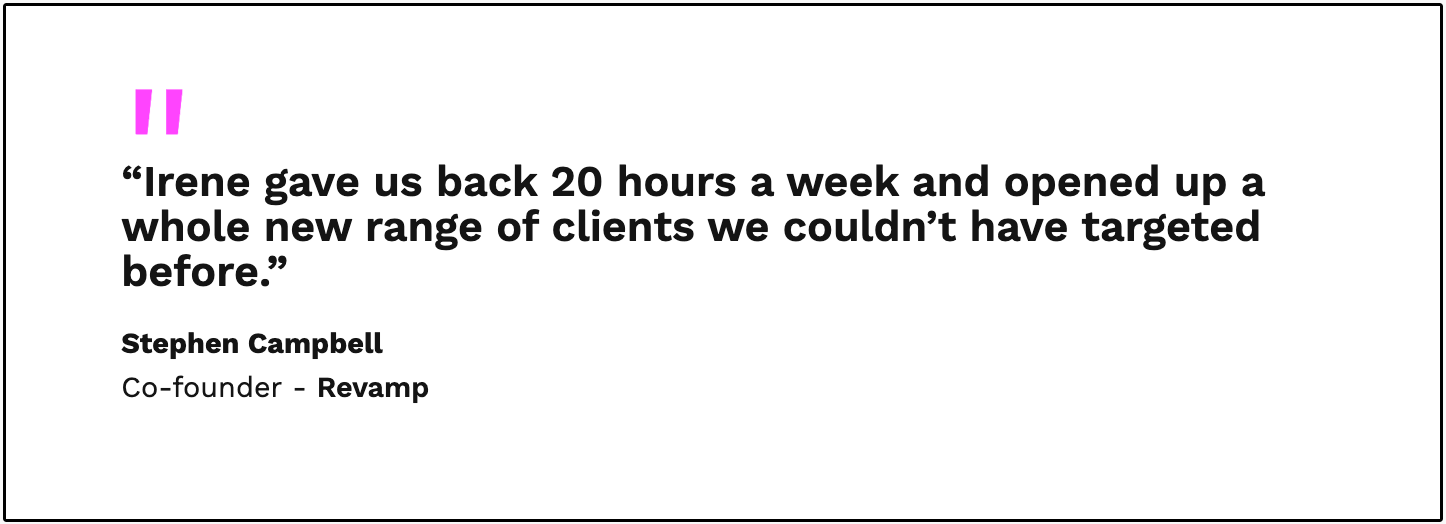
Notice that the tool didn’t change. The implementation did. That’s the difference a seasoned expert makes. You get faster results with cleaner workflows and zero wasted cycles.
AI marketing tool implementation roadmap
Buying the tool is just the first step. The real ROI comes from thoughtful rollout. Here’s a roadmap that balances speed with scale—so you can get results fast, without technical debt.
30-day quick start
Goal: Show early value from one focused use case with customer data.
Success metric: See initial lift within 30 days—even a 5–10% improvement justifies a deeper rollout. If results are flat or unclear, revise inputs or pick a new use case.
Week 1: Define the win
Start narrow. Choose one specific, high-leverage application—like AI-generated email subject lines or AI-powered send-time optimization.
Then, get precise: What are you trying to improve? Set one clear metric—CTR, open rate, time saved, etc. If you don’t define success, you’ll never know if the tool works.
Weeks 2–3: Setup + train
Integrate the tool with your existing stack (ESP, CRM, CMS, whatever is relevant).
Then, give it context. Feed in brand tone, past performance data, or campaign inputs so outputs aren’t generic. AI is only as smart as the environment you give it.
Week 4: Test + measure
Launch a controlled test—A/B an AI-generated output against your current baseline. Don’t wait for perfection. You’re simply looking for directional improvement.
90-day strategic plan
Goal: Build an integrated AI-powered workflow.
Success metrics: Think: 25% reduction in time spent on manual tasks; 2× content output or 10–20% lift in engagement/conversion.
Phase 1: Audit + map (Weeks 1–2)
Start by taking inventory:
- Where are the biggest bottlenecks today—content volume, campaign testing, reporting lag?
- What tools are already in place? Which ones lack intelligence or could be enhanced?
Now map potential AI fits: Does your team waste hours on copywriting? Try Jasper. Are lead scores unreliable? Add predictive scoring.
This step ensures you’re solving real problems and not just stacking shiny tools.
Phase 2: Rollout + Pilot (Weeks 3–6)
Choose 1–2 AI-powered tools to deploy in live campaigns. Assign clear owners responsible for:
- Training
- Testing scenarios
- Integration with existing workflows
Don’t try to automate everything at once. Remember, success comes from marketing effort depth, not breadth.
Phase 3: Refine + Layer (Weeks 7–12)
Once pilot tools are running, build interconnections: Pipe AI content into your CMS, or push AI-qualified leads into your CRM. Automate repeatable tasks like blog ideation, campaign scheduling, or reporting summaries. Then gather performance data. What’s working? What needs tweaking?
💡 Pro tip: If you're unsure about tool selection or integration, bring in expert help during Phases 1 or 3—not after it breaks.
Phase 1 is where a strategic advisor can help you avoid dead ends. Phase 3 is where specialists can optimize your setup and automate what actually matters. MarketerHire makes it easy to plug in vetted fractional marketers for setup, tuning, and knowledge transfer, all without the months-long hiring slog.
Measuring AI tool ROI
The easiest way to waste money on an AI tool? Never define what success looks like. Too many teams install something cool, then forget to track whether it’s doing anything meaningful. If you want real ROI, you need a simple measurement framework—and the discipline to follow it.
What to measure
Start by picking metrics tied to business outcomes, not just “usage.” Here are five core ones that matter:
- Time saved: How much manual work has been reduced (e.g. fewer hours spent writing briefs or reports)?
- Output volume: Are you producing more content, campaigns, or experiments without adding headcount?
- Conversion lift: Do AI-generated emails, ads, or landing pages outperform manual versions?
- Revenue impact: Can you attribute sales or pipeline influence to faster execution or improved targeting?
- Team bandwidth freed: What strategic work is now possible because of offloaded busywork?
Simple ROI framework
Don’t overcomplicate this. Use a 3-step cadence:
- Step 1 — Baseline: Before rollout, log your current performance—content output per week, avg. campaign CTR, hours spent per task.
- Step 2 — Monthly check-ins: Track early signals of impact (good or bad). Are A/B tests showing lift? Is output faster?
- Step 3 — Quarterly reviews: Evaluate real outcomes—has revenue grown, is the team moving faster, are customers more engaged?
Vendors like Jasper and Copy.ai report 20–40% reductions in time spent on content tasks and up to 2× production volume, especially when paired with automation.
DIY AI tool setups often take longer (~60–90 days), with lots of trial and error. In contrast, AI marketer-led rollouts compress that timeline to 30–45 days and surface impact faster by aligning tools to strategy from day one.
Conclusion
AI won’t replace marketers, but it will absolutely replace the ones who ignore it. The edge now is knowing how to choose the right tools, implementing them fast, and actually extracting ROI before the quarter’s over.
That’s what this guide was built for: helping you cut through noise, avoid false starts, and build an AI-powered marketing stack that performs.
If you’ve been burned by bloated tools or long onboarding cycles, remember: you don’t have to go it alone. MarketerHire connects you with proven AI marketers who’ve done this before. You can skip the learning curve and start seeing results in weeks.
